





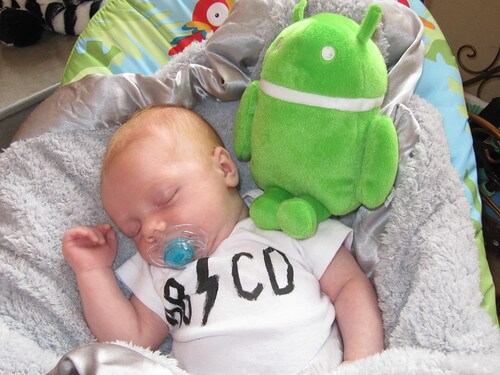
When my husband and I went to Small Business Week in Washington DC (miss that post? Check it out here – there are adorable baby photo outfits + scandalous politician snubs), Google really went all out for the Small Business Week winners. They served us free espresso drinks in the morning. They provided free computers for us to use for the entire conference at an awesome Google Cafe. And, they served Gelato in the afternoon. If that wasn’t enough, they invited all the winners to tour the Google offices. Here’s Jamisen with his Android plush toy the Google team gave him.
When we got there, they had a surprise – a Google Chromebook for each and every Small Business Week winner. THANK YOU GOOGLE! Politicians may have snubbed us but Google treated us extremely special and I am thrilled. And, proving that the art of reciprocity exists, I’ve been obsessively using all things Google this week (Chrome, Google Docs, Gmail, Google Places, their new +1 service etc…).
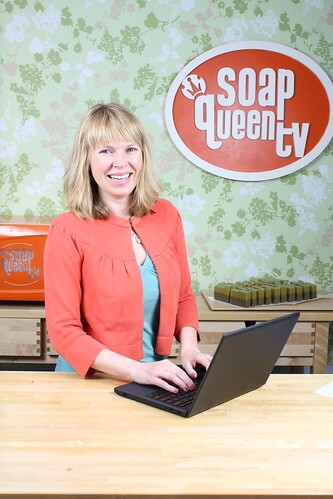
What I love about the Chromebook:
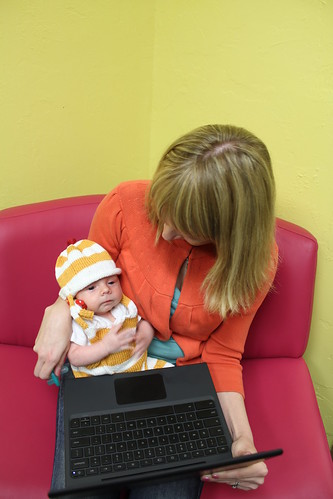
1. Chromebook = Freedom – There are no wires for this machine because it holds a charge for 8 hours, it connects to the internet via 3G or wireless and it is so light and compact that you can take it anywhere. I can have it and Lil Man on my lap. =)
2. Seamless Updates – The Chromebook (which replaced my laptop at home within seconds) updates every day. You never notice it. It doesn’t bother you. And, the updates include all the security fixes etc… so you never have to worry about security breaches.
3. Document Continuity – Because of the way the Chromebook works (it has very little actual harddrive – you save very little to it – it’s all cloud based), you can access your documents from everywhere.
4. Super Fast Opening – It takes 8 seconds to turn on. 8 seconds. I didn’t think I’d care but now, my laptop seems like it takes long enough for me to get a haircut, a manicure and a pedicure in the time it takes to boot up.
What takes getting used to:
1. The Chromebook has a touch pad that is interesting and different in how it works. There really aren’t right click/left click buttons and it takes some getting used to. I am apparently old school, old dog, no new tricks so I’ve plugged in a mouse and that seems to do the trick for me.
2. No “F” keys; you know those F1, F2 keys? They’re gone and instead there is a row of control keys (sound, page forward, page back, brightness etc…). Since I never used those F keys, it’s an improvement but if you’re an F Key Addict, this might be a tough change for you.
I would 100% buy this machine – it is compact, it’s easy to use and it hooks up to the ‘net without any major trouble or wires. Love love it and adore Google for really making all of us Small Business Winners feel special and appreciated. Thank you Google! =)
