





Soapmaking inspiration can strike anywhere. Sometimes you’re stuck in traffic, waiting for an appointment or idly daydreaming about your next soaping session when the idea for the perfect recipe hits you. You may not be near a computer, but chances are you probably have your phone on you. That’s where Bramble Berry’s Soap App comes in handy! We released an iPhone version last year, but now Android users can get in on the fun too.
After a pretty hefty rework and lots of added features, the latest version of the app will make it easy for you to formulate soapy recipes wherever you are. The app is like a mini version of our lye calculator, only better! It will accurately calculate saponification (SAP) values for more than 60 oils with superfatting ranges up to 20% AND save recipe and batch information. The app is available on any device running the Android platform (including tablets!) for $1.99. To download it, simply visit the Google Play store on your device and search ‘Soap app‘. Then, read on to learn all about the app’s new features.
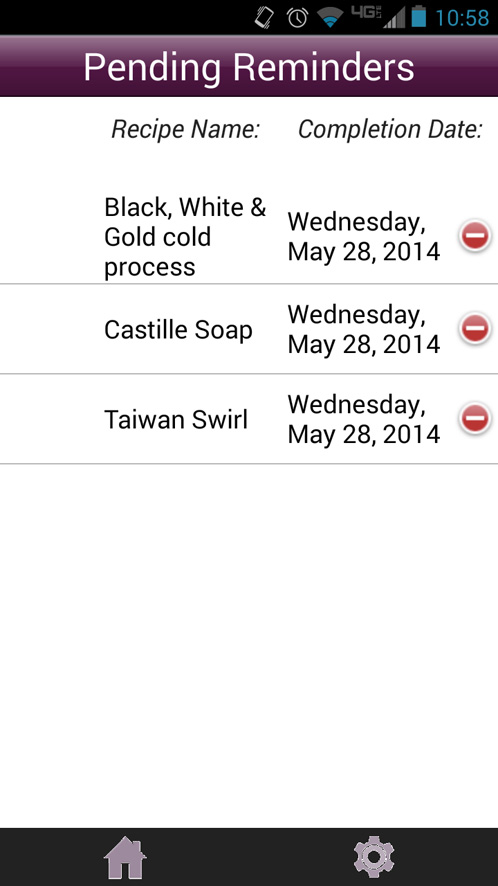
One of the most exciting new features is the ability to set reminders for when your batches are done curing. Batches cure for a minimum of 21 days, but beyond that you can set yourself a reminder for up 99 days after the soap is made. Now you’ll know exactly when your soaps are ready to sell or giveaway. To access the ‘Pending Reminders’ page, click the ‘Current Reminders’ button that appears on the app homescreen.
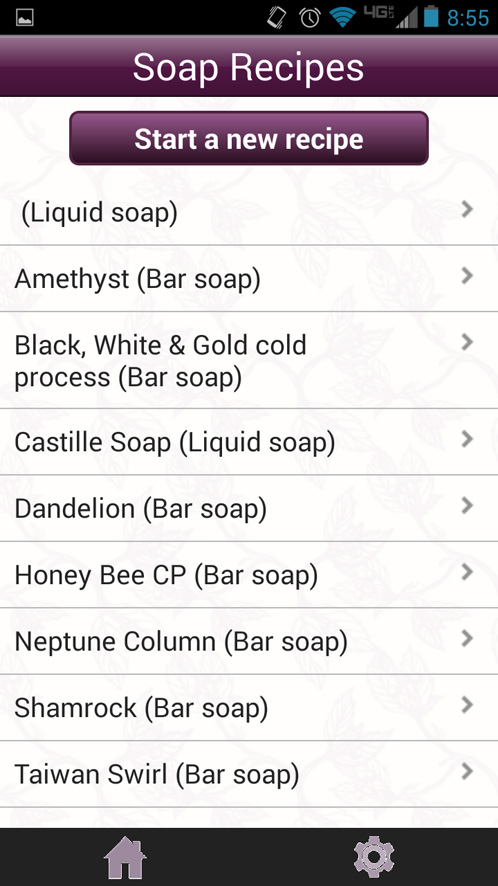
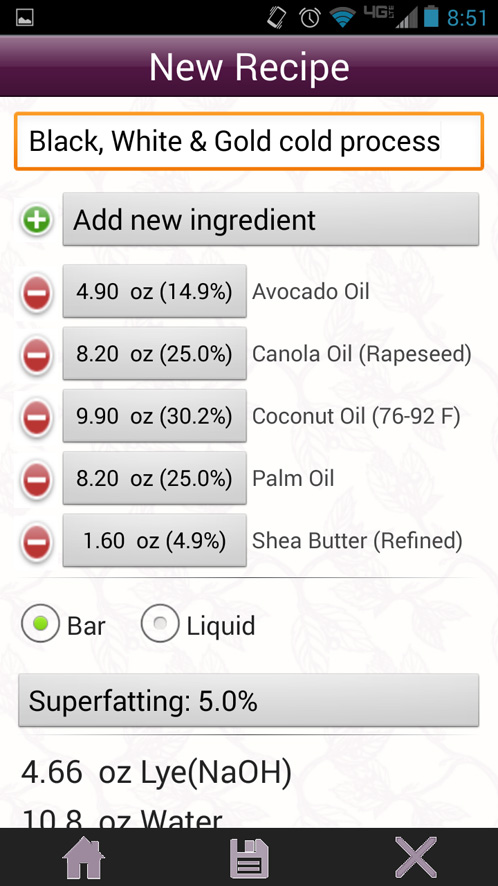
Just like in previous versions, the app comes preloaded with 6 soaping recipes (3 solid and 3 liquid) but you can easily modify them or add your own. To create a recipe, simply click the ‘Start New Recipe’ button on the homescreen. There you can give the recipe a name, input the oils, change the superfat or add notes. Once you’re satisfied, click the floppy disk save icon. Then, return to the homescreen and click the ‘Saved Recipes’ button to bring up all the recipes you’ve added to the calculator. Choose a recipe and then select the ‘Batches’ button at the bottom. Click ‘Start a New Batch’ and you’re ready to go!
You can still create recipes by traditional ounces and grams. We’ve improved on recipe creation options. With the new version of the app, you can create recipes by entering oils as a percentage of the total. That’s right! This app calculates by percentages. Woot woot! What does that mean exactly? Let’s say you want to make a 2 lb. batch of soap with 30% coconut oil, 30% palm oil, 30% olive oil and 10% shea butter. Simply input those percentages and the app will calculate in ounces (or grams!) how much of each oil you’d need, as well as the lye and water amounts. You can also change the superfat level, add your own notes or convert the entire recipe into a liquid soap project.
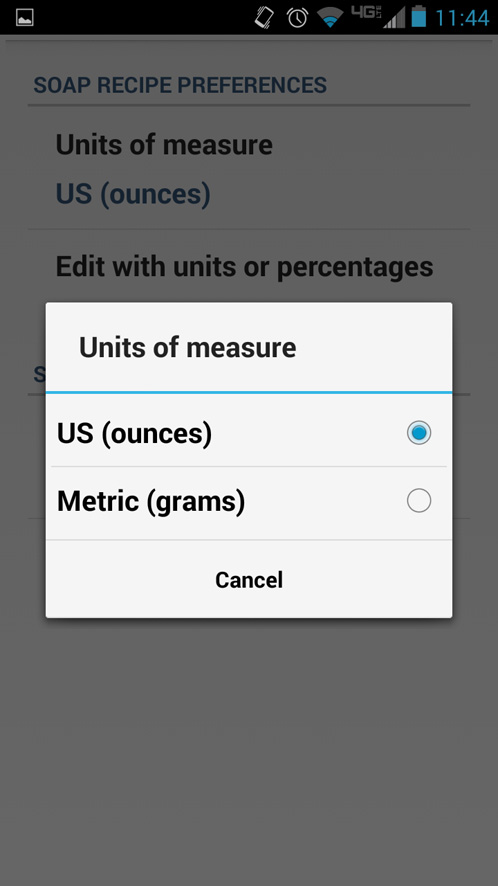
For our soapers on the metric system, you can easily convert batches to grams. When you’re on the recipe screen, click the cog symbol to edit the units of measurement. This is also where you can change your preferences to edit recipes in percentages.
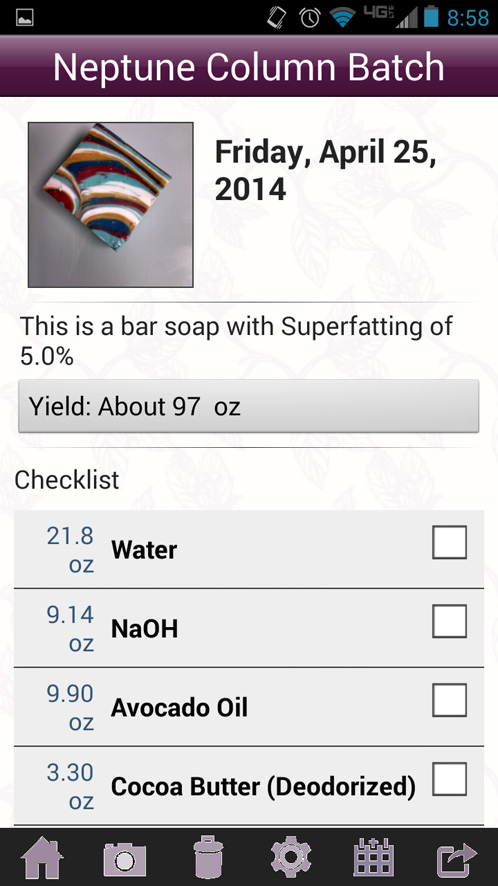
If you’ve made a batch your particularly proud of, you can either upload a photo of it from your phone’s gallery or take a new photo altogether.
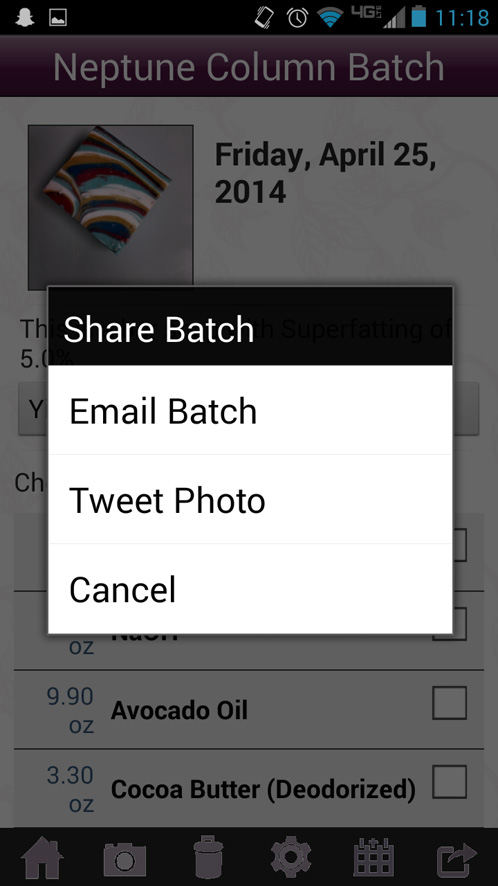
That’s not all! You can easily share the recipe and the photo via email or Twitter right in the app.
Overall the revised and reworked Soap App is much easier to use, but as always if you have any questions or problems please let us know in the comments below or on our Facebook page. And iPhone users, we haven’t forgotten you! We’re tackling another update to iPhone app next 🙂
